
Power LogOn
GOV-COA
Power LogOn Certificate-based Offline Authentication (COA) for air-gapped workstations
Secure offline Windows workstations need certificate-based logon.
Power LogOn GOV-COA delivers it.
UEI: X4CCM6HULMX6
CAGE: 5AU22
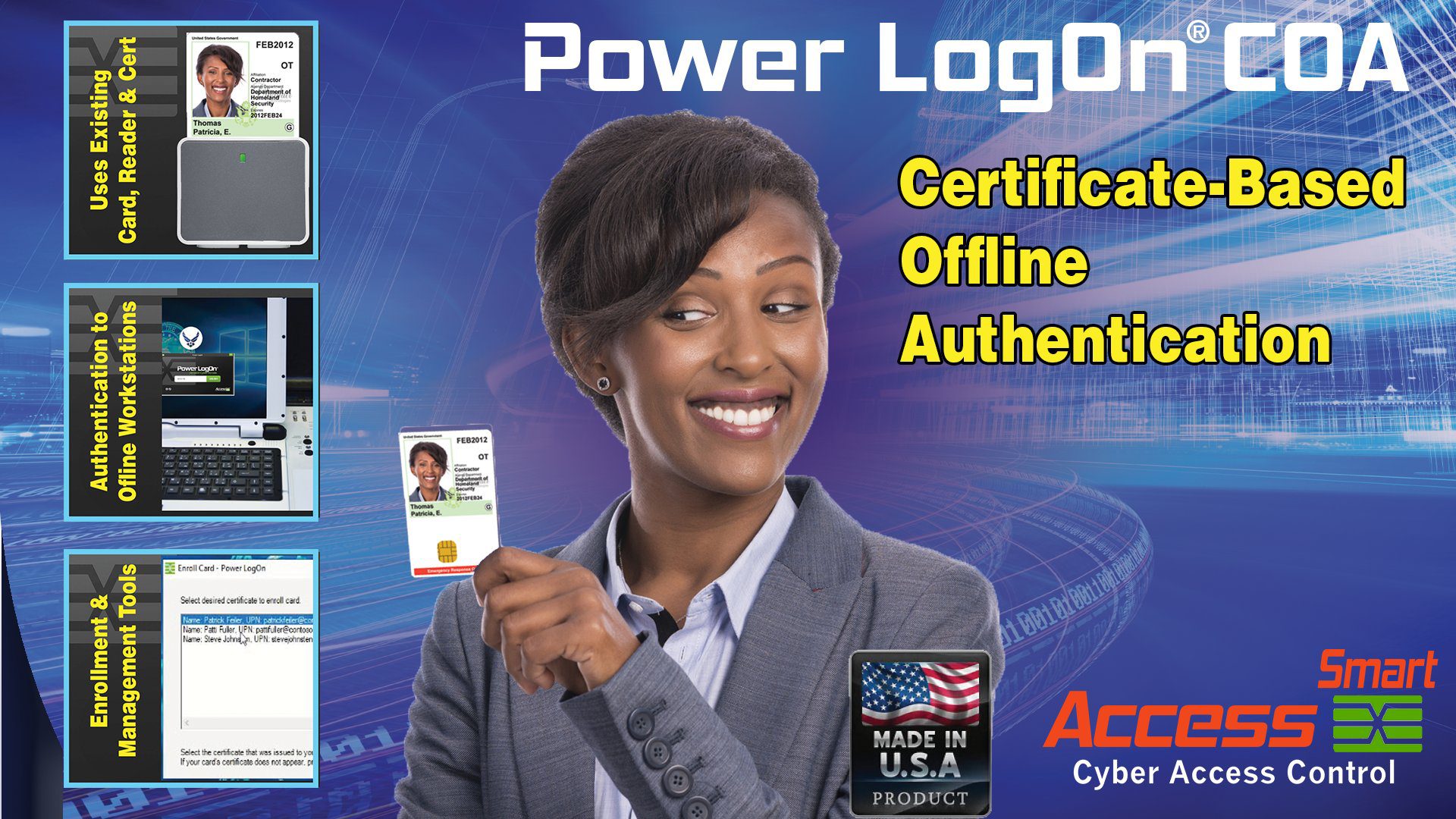
Introducing
Power LogOn GOV-COA
Certificate-based Logon for Air-Gapped Windows Workstations
“There is no other commercial off-the-shelf (COTS) product that can do all that Power LogOn COA does.”
– U.S. Air Force Project Manager
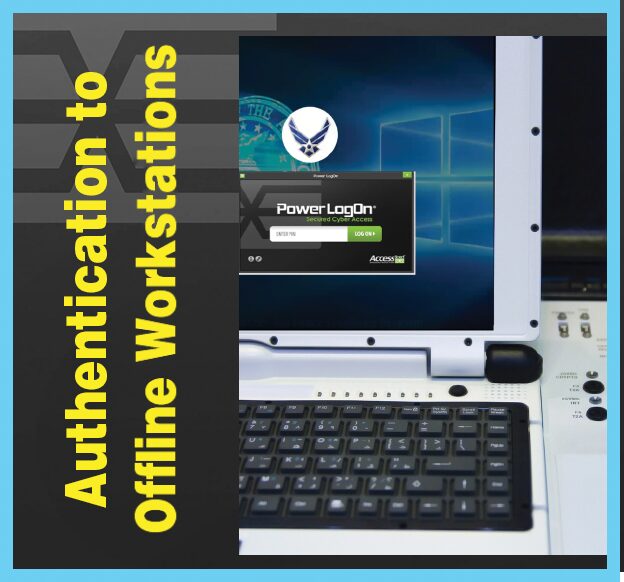
Power LogOn GOV-COA secures Windows air-gapped workstations with existing digital certificates on PIV or CAC credentials.
How can Power LogOn GOV-COA help you?
Some Windows workstations can never connect to a network, but users still need certificate logon. Power LogOn GOV-COA brings certificate logon to air-gapped Windows workstations, using the PIV or CAC credential’s existing digital certificate. Power LogOn GOV-COA uses the credential’s existing PIN and never stores it.
Power LogOn makes no changes to the card’s data, so the agency’s cards don’t have to be reissued or revalidated. That saves the agency time and money, and deployment is immediate.
Appropriate for DoW branches, federal civilian agencies, state & local governments and tribal governments with air-gapped Windows workstations.

Secure, Offline Logins
Power LogOn GOV-COA works with contact PIV and CAC cards.
When the card is inserted and the PIN entered, workstation-authorized certificates are accepted. All other certificates are denied.
- Logon with the PIV or CAC credential’s existing digital certificate
- Uses the credential’s existing PIN and never stores it
- Makes no changes to the card’s data

Enrollment and Management Tools
IT manages the authorized certificates using the enrollment and management tools.
A 2021 independent penetration tester, Secure Network Technologies, gave 5 out of 5 stars for Power LogOn GOV-COA.
Power LogOn GOV-COA has been reviewed by USAF against the DISA Application Security STIG, and accepted.
Zero Trust Authentication Methods
Passwords alone can be stolen, and Power LogOn fixes that:
- Possession (something you have: the PIV or CAC smartcard)
- Knowledge (something you know: the credential’s existing PIN)
Uses the credential’s existing digital certificate.
Built for Air-Gapped Workstations
Ideally suited for Windows workstations isolated from an agency’s network that require certificate-based multi-factor authentication.
- Power LogOn GOV-COA works with contact PIV and CAC cards.
- Does not require any additional hardware infrastructure.
- Scalable and adaptable for agencies of any size.
True Multi-Factor Authentication
The combination of two or more dissimilar factors.
- Card + PIN
NOTE: Two-step verification uses two similar factors. That is not MFA. Example: Password + SMS code
System Requirements
Operating System: Power LogOn GOV-COA runs on air-gapped workstations with Windows 11 and Windows 10.
Readers: PC/SC Smartcard readers
Cards: PIV or CAC credentials with X.509 certificates
Installation: Typical installation takes less than two hours.
Power LogOn Capabilities Sheet (Government)
For the current capabilities sheet for Power LogOn GOV-COA and Power LogOn for Government, contact Access Smart.
Power LogOn GOV-COA Features
Who Uses Power LogOn GOV-COA
Appropriate for DoW branches, federal civilian agencies, state & local governments and tribal governments with air-gapped Windows workstations.
For security reasons, we don’t disclose customer names.
Advantages and Benefits
- Uses the credential’s existing digital certificate.
- Power LogOn makes no changes to the card’s data, so the agency’s cards don’t have to be reissued or revalidated. That saves the agency time and money, and deployment is immediate.
- Power LogOn works with the agency’s existing PIV and CAC credentials to eliminate reprogramming and reissuance.
- Power LogOn GOV-COA works with contact PIV and CAC cards.
- On air-gapped workstations, IT can independently add or remove approved credentials.
Security
- Power LogOn GOV-COA only uses the Microsoft cryptographic services provided by the Windows operating system.
- On air-gapped workstations, IT can independently add or remove approved credentials.
- A 2021 independent penetration tester, Secure Network Technologies, gave 5 out of 5 stars for Power LogOn GOV-COA.
- Power LogOn GOV-COA has been reviewed by USAF against the DISA Application Security STIG, and accepted.
Compliance — Self-Evaluations & Requirements Mapping
Self-evaluation and requirements mapping — not a certification or claim of compliance. Power LogOn is a COTS security solution. To help agencies evaluate its capabilities, Access Smart has prepared self-evaluations mapping Power LogOn against individual requirements in the specifications and regulations listed below.
The following list identifies the specs we have assessed; applicability and compliance depend on the deployed system and the agency’s requirements. Contact Access Smart to request a copy of an assessment document.
- CMMC Level 1
- FIPS 140-3
- FIPS 201
- DISA STIGs
- HSPD-12
- Executive Order 14306
- Zero Trust Identity
- FAR/DFARS
- FedRAMP
- NIST SP 800-53
- NIST SP 800-63B
- NIST SP 800-171 r3
- VPAT 508 Version 2.5
- CJIS
- IRS Publication 1075
- HIPAA and HITECH
- TAA
- Insurance companies’ cybersecurity requirements
NAICS: 513210 (primary), 541519, 541511, 541512, 423430
PSC: 7A21, 7A20, 7J20, 7C20, 7C21, DJ01, DJ10
NOTE: Power LogOn uses the cryptographic services provided by Microsoft Windows. Power LogOn qualifies as a 100% U.S.-made product.
Fast and Easy to Deploy
- Typical installation takes less than two hours.
- Power LogOn makes no changes to the card’s data, so the agency’s cards don’t have to be reissued or revalidated. That saves the agency time and money, and deployment is immediate.
- For pricing and ordering, contact Access Smart.
Availability
DoW and federal civilian agencies can buy Power LogOn through authorized GSA/SEWP resellers.
For pricing and ordering, contact Access Smart.